Onboarding
When you first launch ClawIDE, the onboarding flow introduces you to the key features and guides you through your first workspace.
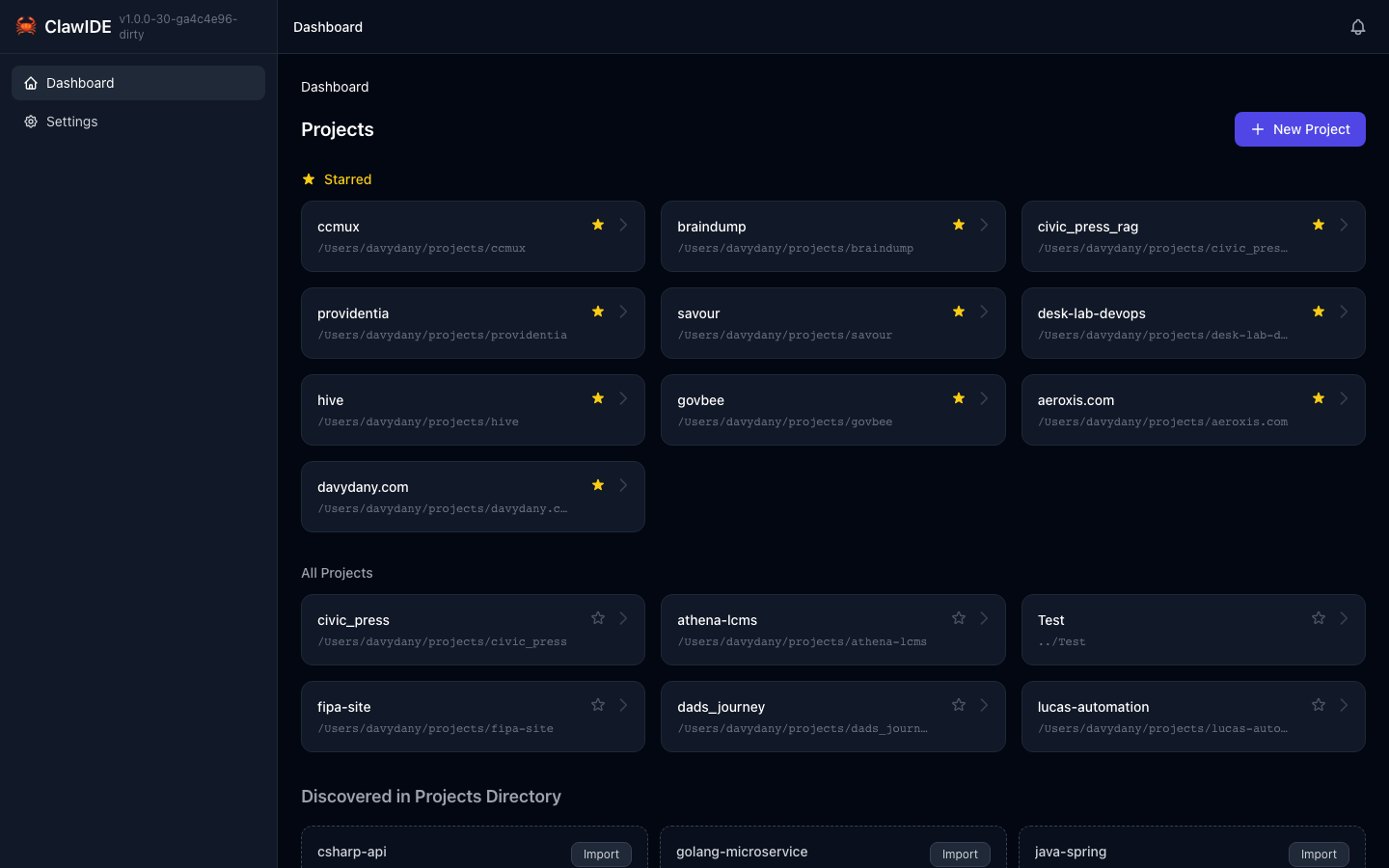
Welcome Screen
On your first visit, ClawIDE presents a welcome screen that introduces the tool and its capabilities. This gives you an overview before you start working.
Workspace Tour
After the welcome screen, ClawIDE offers a guided tour of the workspace interface. The tour highlights:
- Navigation — How to move between projects and features
- Terminal Sessions — Where to create and manage Claude Code sessions
- Split Panes — How to split terminals for side-by-side work
- File Browser — Where to find and edit project files
- Docker Panel — How to manage Docker Compose services
- Git Panel — Where to manage branches and worktrees
Completing Onboarding
Once you’ve gone through the tour, ClawIDE marks the onboarding as complete. The welcome screen and tour won’t appear on future visits.
Resetting Onboarding
If you want to see the onboarding experience again (for example, after a major update):
You can reset the onboarding state through the API:
curl -X POST http://localhost:9800/api/onboarding/reset
This resets both the welcome screen and workspace tour, so they’ll appear on your next visit.
API
| Endpoint | Method | Description |
|---|---|---|
/api/onboarding/complete | POST | Mark the welcome onboarding as complete |
/api/onboarding/workspace-tour-complete | POST | Mark the workspace tour as complete |
/api/onboarding/reset | POST | Reset all onboarding state |
See the API Reference for full details.