Notifications
ClawIDE includes a notification system that delivers real-time alerts from various sources — system events, Docker status changes, and Claude Code task completions. Notifications stream to the browser via Server-Sent Events (SSE) and are tracked with read/unread status.
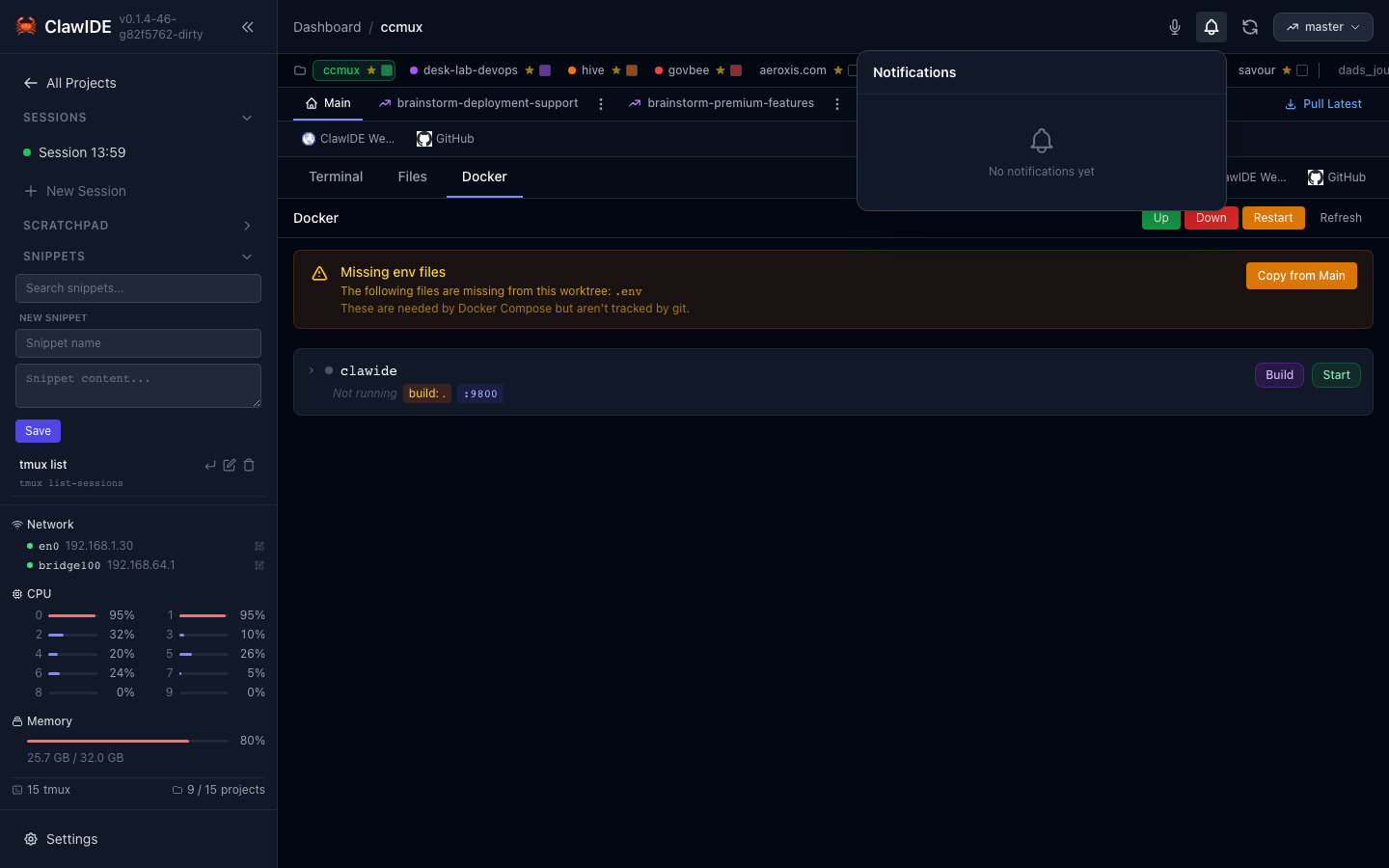
Notification Center
The notification bell in the navigation bar shows the count of unread notifications. Click it to open the notification center, which lists all recent notifications sorted newest first.
Each notification displays:
- Title and optional body with details
- Source label (system, claude, docker, etc.)
- Level indicator (info, success, warning, error)
- Timestamp showing when the notification was created
- Read/unread status
Real-Time Delivery
Notifications are delivered instantly to the browser using Server-Sent Events (SSE). When a new notification is created — whether from the system, a Docker event, or a Claude Code hook — it appears in the UI without requiring a page refresh.
The SSE connection includes a keepalive ping every 15 seconds to maintain the connection.
Notification Sources
| Source | Description |
|---|---|
system | Internal ClawIDE events (updates available, errors) |
claude | Claude Code task completions via Claude Code Hooks |
docker | Docker Compose service status changes |
Managing Notifications
- Mark as read: Click on a notification to mark it as read.
- Mark all as read: Use the “Mark all read” action to clear all unread indicators.
- Delete: Remove individual notifications you no longer need.
ClawIDE stores up to 1,000 notifications. Older notifications are automatically pruned when this limit is reached.
API
| Endpoint | Method | Description |
|---|---|---|
/api/notifications | GET | List all notifications |
/api/notifications?unread_only=true | GET | List unread notifications only |
/api/notifications | POST | Create a notification |
/api/notifications/unread-count | GET | Get the unread notification count |
/api/notifications/stream | GET | SSE stream for real-time notifications |
/api/notifications/{notifID}/read | PATCH | Mark a notification as read |
/api/notifications/read-all | POST | Mark all notifications as read |
/api/notifications/{notifID} | DELETE | Delete a notification |
See the API Reference for full details.