Notes
Notes let you jot down project-specific documentation, reminders, or reference material directly in ClawIDE. Notes support markdown formatting and can be scoped to a project or kept global.
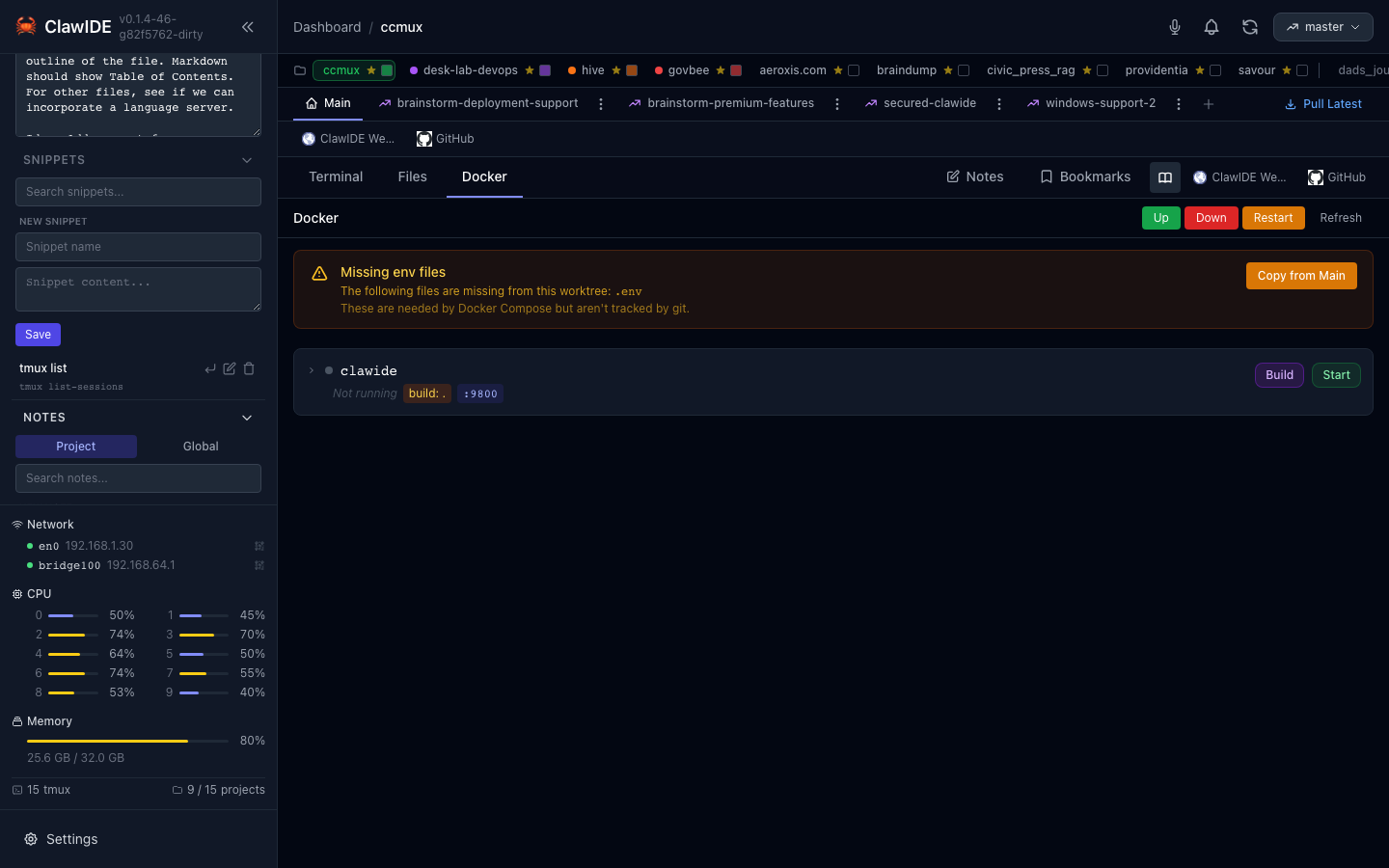
Creating a Note
- Open the notes panel.
- Click New Note.
- Enter a title and write your content using markdown.
- Save the note.
Notes are stored persistently and survive server restarts. Filenames are derived from the note title, making them easy to identify on disk.
Folders
Notes can be organized into folders for better structure:
- Click New Folder to create a folder.
- Drag and drop notes between folders to organize them.
- Folders are displayed as a tree in the notes panel.
Drag-and-Drop
Reorder notes and move them between folders using drag-and-drop. Grab a note and drop it onto a folder or between other notes to change its position.
Project-Scoped Notes
Notes are scoped to the current project. Each project has its own set of notes and folders, keeping project documentation separate.
Markdown Support
Note content supports markdown formatting, so you can use headings, lists, code blocks, links, and other standard markdown syntax.
Searching Notes
Use the search bar to filter notes by title or content. The search is case-insensitive.
Editing and Deleting
- Click on a note to edit its title or content.
- Click the delete button to permanently remove a note.
API
| Endpoint | Method | Description |
|---|---|---|
/api/notes?project_id={projectID} | GET | List notes for a project |
/api/notes?q={query} | GET | Search notes by title or content |
/api/notes | POST | Create a new note |
/api/notes/{noteID} | PUT | Update a note |
/api/notes/{noteID} | DELETE | Delete a note |
See the API Reference for full details.