Markdown Preview
The file editor includes a live markdown preview for .md files, rendering GitHub Flavored Markdown with syntax-highlighted code blocks and Mermaid diagrams.
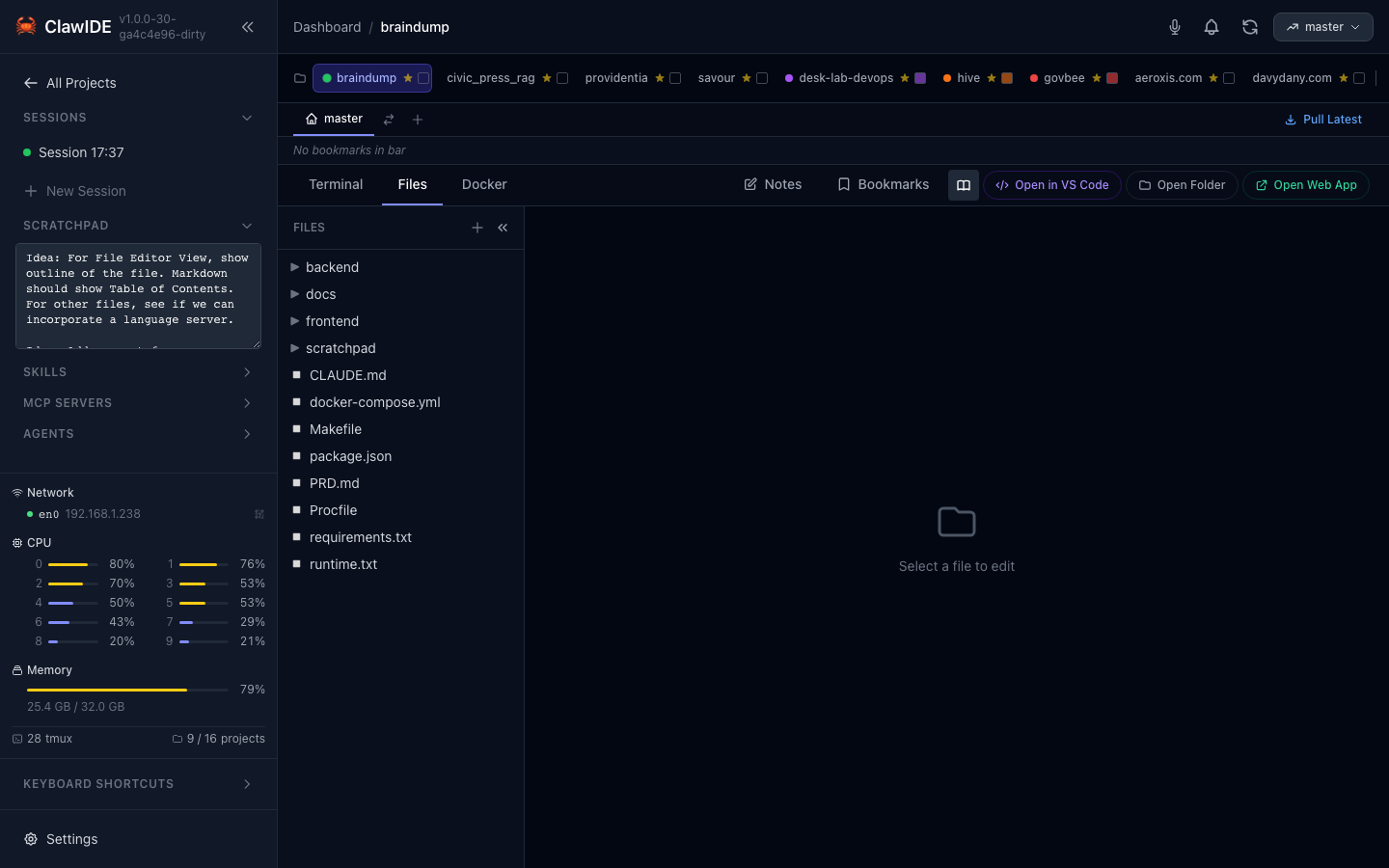
How It Works
When you open a markdown file in the File Editor, a preview toggle becomes available. The preview renders your markdown in real time as you edit, using the same rendering pipeline as GitHub.
Supported Features
- GitHub Flavored Markdown — Tables, task lists, strikethrough, autolinks
- Syntax Highlighting — Fenced code blocks with language-specific highlighting via Highlight.js
- Mermaid Diagrams — Flowcharts, sequence diagrams, Gantt charts, class diagrams, and more
- Line Breaks — Newlines are preserved without requiring double-space or
<br>
Mermaid Diagrams
Wrap diagram definitions in a mermaid fenced code block:
```mermaid
flowchart TD
    A[Start] --> B{Decision}
    B -->|Yes| C[Do something]
    B -->|No| D[Do something else]
```
Diagrams render inline with a dark theme. Supported diagram types include flowcharts, sequence diagrams, Gantt charts, class diagrams, state diagrams, and more.