Code Snippets
Code snippets let you save frequently used code patterns, prompts, or text blocks and quickly insert them into any session. Snippets are global — they’re available across all projects.
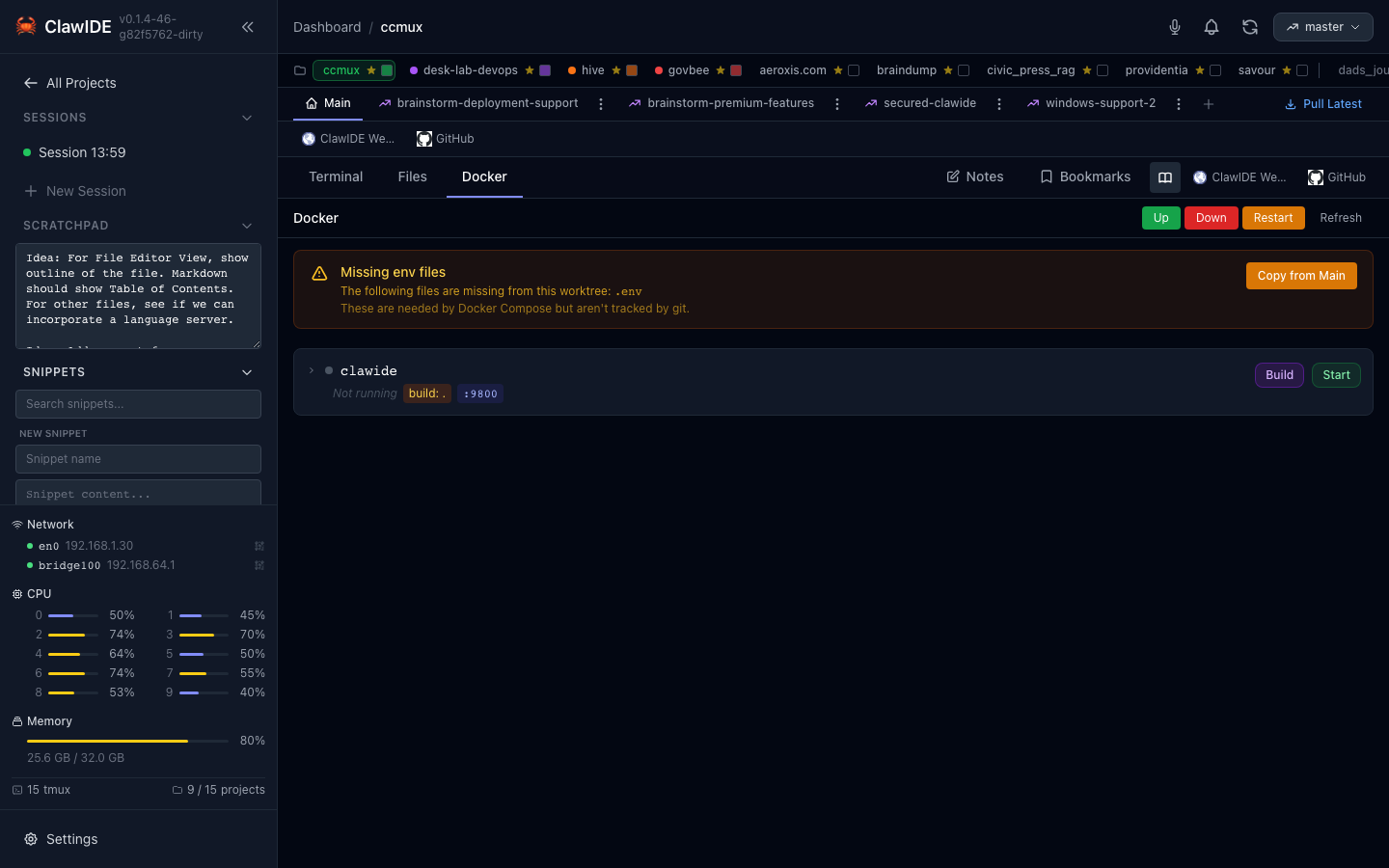
Creating a Snippet
- Open the snippets panel.
- Click New Snippet.
- Enter a title and the snippet content.
- Save the snippet.
Snippets are stored persistently, so they’re available across sessions and server restarts.
Searching Snippets
Use the search bar in the snippets panel to filter snippets by title or content. This is useful when you have a large collection and need to find a specific pattern quickly.
Inserting a Snippet
- Open the snippets panel while a terminal session is active.
- Find the snippet you want to use.
- Click Insert to paste the snippet content into the active terminal.
This is particularly useful for inserting common Claude Code prompts or commands that you use regularly.
Editing a Snippet
- Open the snippets panel.
- Click on the snippet you want to edit.
- Modify the title or content.
- Save your changes.
Deleting a Snippet
- Open the snippets panel.
- Select the snippet you want to remove.
- Click Delete to permanently remove it.
API
Snippets are managed through a global API (not scoped to a project):
| Endpoint | Method | Description |
|---|---|---|
/api/snippets/ | GET | List all snippets |
/api/snippets/ | POST | Create a new snippet |
/api/snippets/{snippetID} | PUT | Update an existing snippet |
/api/snippets/{snippetID} | DELETE | Delete a snippet |
See the API Reference for full details.