Claude Code Hooks
ClawIDE integrates with Claude Code’s hook system to notify you when Claude finishes a task. When a Claude Code session completes in any ClawIDE terminal, a notification is delivered to the notification center in real time.
How It Works
As of v1.1, ClawIDE uses an MCP server integration instead of bash hooks for Claude Code notifications. This provides improved reliability and tighter integration with the Claude Code runtime. The MCP server runs alongside ClawIDE and receives events directly from Claude Code sessions.
For legacy setups, the bash hook approach is still supported. Claude Code supports lifecycle hooks — shell scripts that run when certain events occur. ClawIDE can install a “stop” hook that fires whenever Claude Code finishes processing. The hook sends a notification to ClawIDE’s API with context about which project, session, and pane the task ran in.
Setting Up the Hook
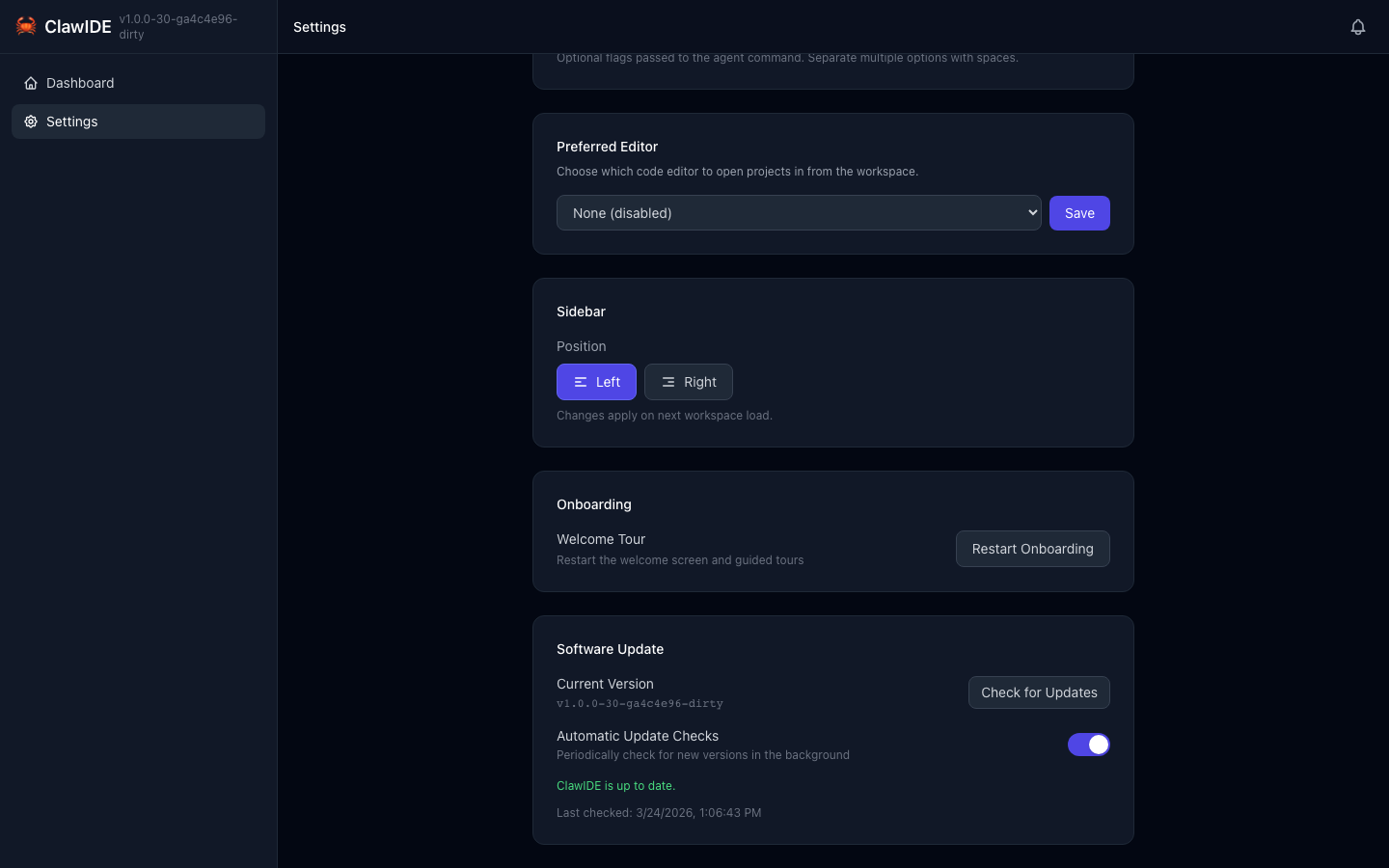
- Open the Settings page.
- ClawIDE detects whether the
claudeCLI is installed on your system. - Click Enable Claude Code Integration to install the hook.
ClawIDE creates a hook script at ~/.clawide/hooks/claude-stop-hook.sh and registers it in Claude’s settings at ~/.claude/settings.json.
What Gets Captured
When Claude Code finishes, the hook captures:
- Stop reason — Why Claude stopped (completed, interrupted, error, etc.)
- Working directory — Where Claude was running
- Project context — The ClawIDE project, session, feature, and pane IDs
This context is passed through environment variables that ClawIDE sets in terminal sessions:
| Variable | Description |
|---|---|
CLAWIDE_PROJECT_ID | The project the session belongs to |
CLAWIDE_SESSION_ID | The terminal session ID |
CLAWIDE_FEATURE_ID | The feature workspace ID (if applicable) |
CLAWIDE_PANE_ID | The specific pane ID |
CLAWIDE_API_URL | The ClawIDE API base URL |
Notification Delivery
The hook sends a notification to ClawIDE’s /api/notifications endpoint. The notification appears in the notification center with:
- Title: “Claude Code {stop_reason}”
- Source:
claude - Level:
success - Context: Project and session details for navigation
Duplicate notifications are prevented using idempotency keys.
Removing the Hook
- Open the Settings page.
- Click Remove Claude Code Integration to uninstall the hook.
This removes the hook script and cleans up the Claude settings entry.
Requirements
- Claude Code CLI (
claude) must be installed and accessible in your PATH. jqis optional but recommended for cleaner JSON parsing in the hook script.
API
| Endpoint | Method | Description |
|---|---|---|
/api/claude/detect | GET | Check if the Claude CLI is installed |
/api/claude/setup-hook | POST | Install the hook script and configure Claude |
/api/claude/hook | DELETE | Remove the hook and clean up Claude settings |
See the API Reference for full details.