Auto-Update
ClawIDE checks for new releases on GitHub and can apply updates with a single click. Updates are verified with SHA-256 checksums and installed with an automatic restart.
How It Works
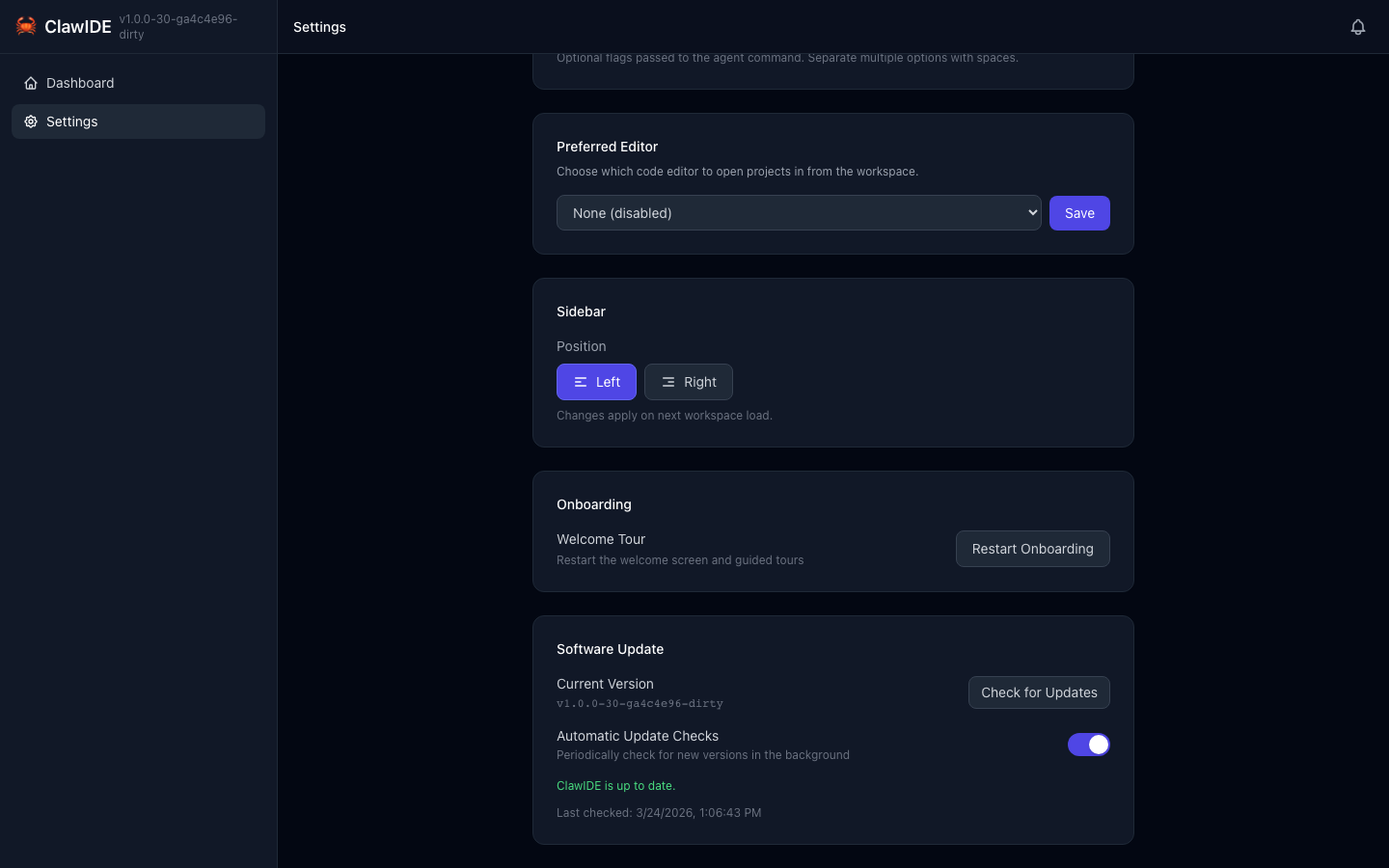
ClawIDE periodically checks the GitHub releases for the project. When a newer version is available, a notification appears and the settings page shows the update details.
Background Checks
- ClawIDE checks for updates every 24 hours after a 30-second startup delay.
- You can also trigger an immediate check from the settings page.
Update Process
When you click Install and Restart, ClawIDE:
- Downloads the correct binary for your OS and architecture.
- Downloads the checksums file from the release.
- Verifies the SHA-256 checksum of the downloaded archive.
- Extracts the new binary.
- Replaces the current binary (with a backup).
- Restarts ClawIDE automatically.
Security
Every update is verified against the SHA-256 checksum published with the release. If the checksum doesn’t match, the update is rejected and the current binary remains unchanged.
Docker Deployments
If ClawIDE detects it’s running inside a Docker container, automatic updates are disabled. Instead, update by pulling the latest image:
docker pull davydany/clawide:latest
docker compose up -d
Development Builds
Dev builds (without a version tag) skip update checking entirely.
Checking for Updates
- Open the Settings page.
- The current version and update status are displayed.
- Click Check for Updates to trigger an immediate check.
- If an update is available, click Install and Restart to apply it.
API
| Endpoint | Method | Description |
|---|---|---|
/api/update/check | GET | Force an immediate update check against GitHub |
/api/update/status | GET | Get the cached update state |
/api/update/apply | POST | Download, verify, and install the latest release |
See the API Reference for full details.